04 - UnholyDragon
Draft completeRepairing a corrupted PE header and satisfying the executable's filename check.
Overview
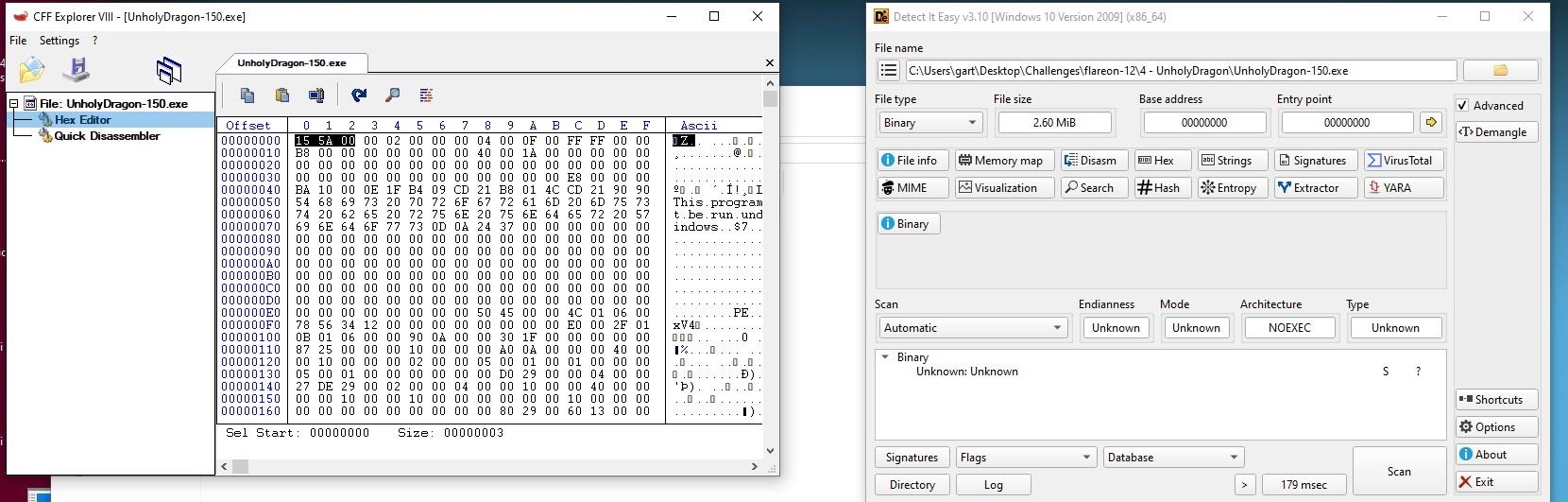
Opening UnholyDragon-150.exe in Ghidra did not produce a normal PE analysis. Ghidra treated it as raw data and asked me to select a processor language. Detect It Easy also identified the sample only as an unknown binary.
Comparing the first bytes in CFF Explorer revealed the problem: the file began with 15 5A, while a Windows PE should begin with the MZ signature, 4D 5A.
Repairing the executable
I changed the first byte from 15 to 4D in CFF Explorer, restoring the MZ header. The repaired executable was now recognizable, but running it under its challenge filename caused more numbered copies, such as 151 through 154, to appear. Renaming copies to lower numbers only continued that behavior, and the 150 copy returned to the corrupted header.
This showed that repairing the header was only the first condition. The program also cared about the name it was launched under.
Finding the expected name
The version metadata contained the original filename:
UnholyDragon_win32.exe
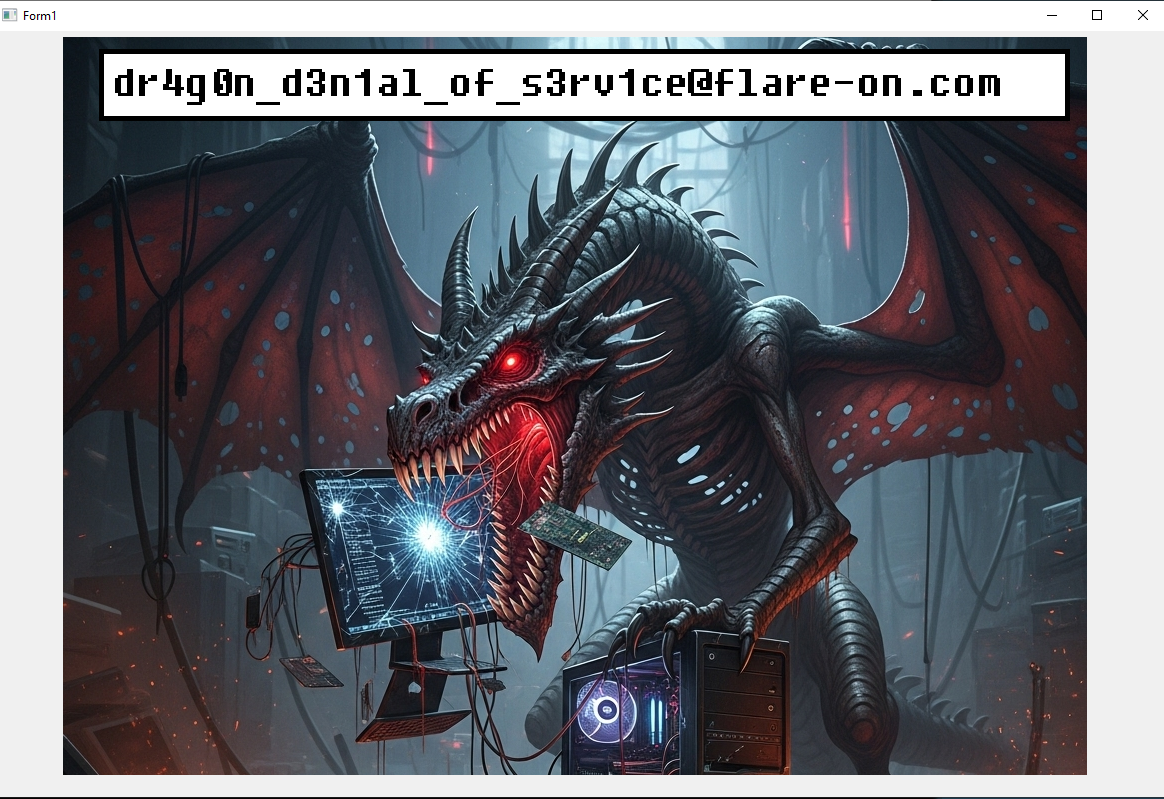
I renamed the header-repaired UnholyDragon-150.exe to that exact value and ran it in the isolated analysis VM. With a valid MZ signature and the expected filename, the program displayed the flag.